First Impressions: Aviary App Suite
There’s a new kid on the block when it comes to web-based applications for creatives. It’s called Aviary and I don’t believe I have ever seen anything like it. Aviary is soon to become a powerful brand. They are developing a massive suite of such Adobe Flex-based applications. I first heard about Aviary through a Skribit suggestion on my blog many months ago. Aviary has since opened a few applications like Phoenix (image editing) and Peacock (pattern maker) to beta testers and many more are in the works.
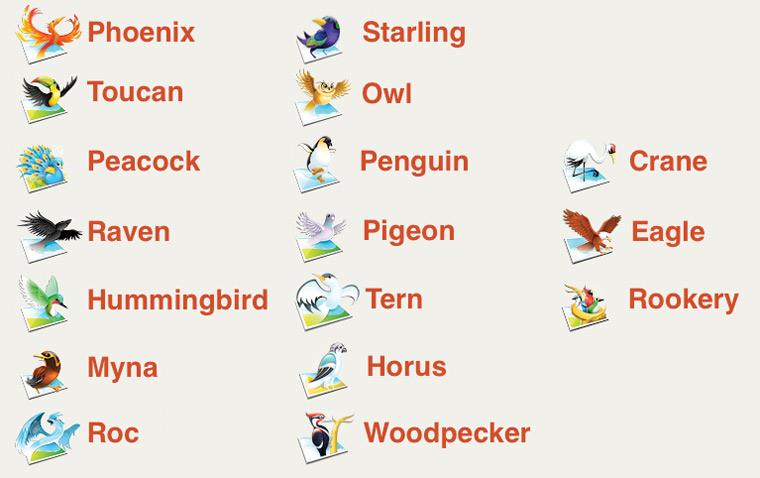
Each application totes an imaginative name and icon related to some type of bird. They deal with everything from “image editing to typography to music to 3D to video.” In addition, the main site A.viary.com creates a community around users sharing their creations, as well as the source files so others can tinker. That’s something I would come to expect from the Worth1000 team that has previously built a popular site based around community interaction with events like Photoshop contests.
Since each application is created in Adobe Flex, users will be able to download applications and use them locally through the Adobe AIR platform.
Aviary Phoenix
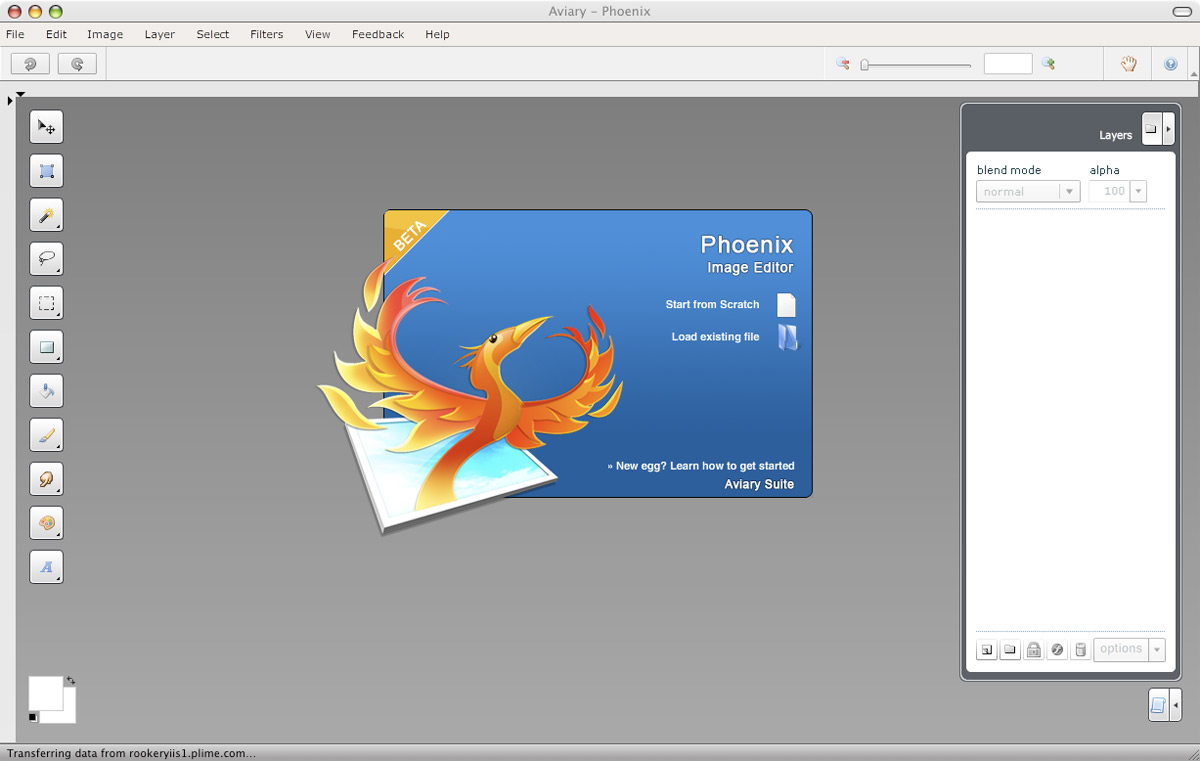
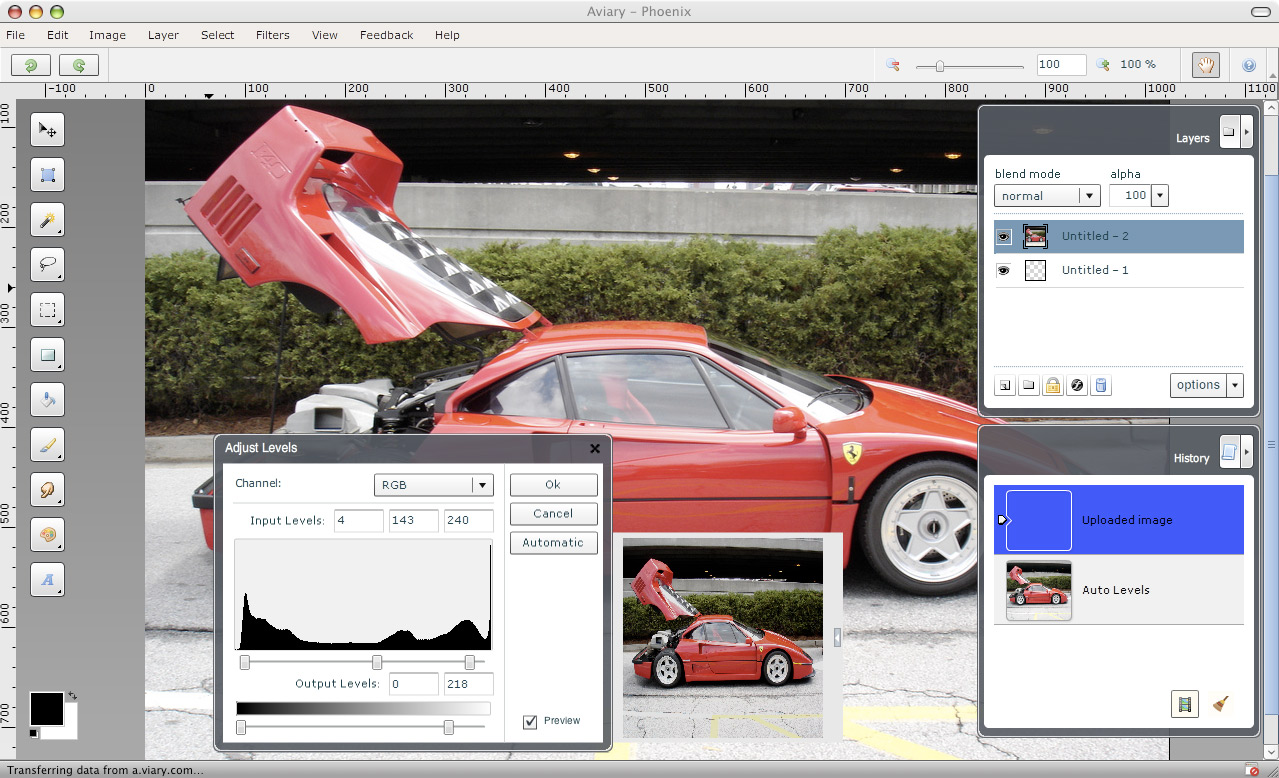
Phoenix is Aviary’s flagship image editing application. At first glance it’s not too far away from a simple Photoshop-like editor. Menus are where you would expect them to be and tools are familiar. Beyond that, Aviary’s products shouldn’t be compared to Adobe’s offerings. They are more of a creative outlet than just a tool.
One common concern when using web-based applications deals with speed and performance. How much slower is the application when uploading files and performing actions? With Aviary Phoenix, that’s a valid concern and for the most part actions like adjusting levels, brightness, hues and filters were instantaneous on the 10MP image I uploaded. But here’s the catch - it seems like Phoenix resized the photo to 1600px by 1071px from its original 3872px by 2592px.
I had a few other nitpicks with Phoenix, such as the filters being overly simplified. For example, when I run a sharpen filter I like adjusting the pixel size and amount. With Phoenix it runs a basic setting that I find too powerful for the images I work with. I also had an issue with auto levels in Phoenix. It doesn’t seem to do much of anything when compared to running auto levels on the same images in Photoshop CS3.
Also, I found working with the rectangular selection tool to be irksome. I’m used to using the arrow keys to fine-tune my selection. That didn’t work so I resorted to using the transformation tool to move my selection but that just ended up moving the selected image portion itself. Then I went back to just trying the selection tool again and using my mouse instead of arrow keys. It worked. My issue arose from the lack of a hover state displaying a move icon over the selection. I didn’t know I could click and move the selection. Small usability tweaks like that would greatly improve various pieces of Phoenix.
Finally, I would love for Phoenix to have a standalone cropping tool rather than relying on people to use the selection tool first.
Thoughts
At the moment, Phoenix seems better suited for basic actions like cropping, levels adjustments and resizing smaller images meant for web publishing. This is to be expected when compared to other products in the space, such as Picnik and Photoshop Express, which all have similar proficiencies. However, that’s not to say that this can’t be changed by the time Phoenix comes out of beta.
Overall, as a proponent of cloud computing I applaud any effort to create interesting web-based tools and this seems to be the epitome of Aviary’s suite of applications. Let me know what you think of Aviary in a comment and I’ll send you a beta invitation (until I run out).


That looks pretty awesome. I love the direction they went with the naming and icons as well. And seeing as how they are only in beta, I think the sky could really be the limit for these guys. I also like the sharing aspect of it. I like the idea of being ‘rewarded’ by my peers by showing off my work and receiving feedback from other people using the same software as me. I’d love to get my hands on it.
I’ve been intrigued by Aviary for several months, actually. While I doubt Aviary could ever hope to be a replacement for Corel for me, it’s the rest of the “entry level” applications that spark my interest — a great way to play with different types of applications to see if something further and more advanced is really worth your time and money.
It looks very useful for use on the road when PS isn’t accessible. And remember, you are comparing a free web app to a $650 professional program.
On another note, you should add transparency to your favicon.
Looks very interesting. I would love to see how it works for a beginning graphics guys like me.
I’m a huge fan of webapps. I think it’s mainly because, as as student, I find myself working on a lot of different computers over the course of a day and I like to be able to access/manipulate myself without much of a hassle.
For Aviary specifically, it seems like there isn’t very much that hasn’t been done before, so I think it will basically come down to speed and experience. I think for things like image manipulation, I’ll probably stick to the standards (Photoshop, Bridge, etc.), but for things like Docs, filesharing, and some of the other quirky things like the font editor, since I don’t have an app I’m absolutely happy with at the moment, I’d be willing to give them a shot.
It seems like it’s going for a bit of a 37signals approach, but caters to less mainstream needs. I’m intrigued to see where it’ll go!
This is a really great idea, and as Justin said, the sky really could be the limit for the developers. I’ll definitely keep an eye on it and hopefully the developers will continue to improve upon their current success to make a product that could potentially rival Photoshop. I’d love to have a try at it if you have any more beta invites sitting around.
While I have no qualms about your usability issues, I do think it’s worth noting that Phoenix is quite a bit ahead of both Photoshop Express and Piknic. Those two applications are very definitely aimed at people who are just looking to lightly touch up their images, but Phoenix is very different. It is much more powerful than that. Having seen some of the images that they have created using Phoenix, I am constantly amazed at the power of this suite.
This is a good example of the power behind Phoenix. And this is a good comparison of the different online photo editors. Granted, both of those links are going to Aviary’s blog, but they do offer up some good insight that shouldn’t be overlooked just because it’s the company’s blog.
my opinion of Aviary is that i’d love an invite :)
@everyone - I ran out of invites but hope to have more very soon.
Thanks for the insight Steven - things like Picnik are definitely geared more towards photo touch-ups than providing a creative outlet like Phoenix
I’m definitely interested in trying these out.
This is one of the first full suites I’ve seen and it really seems to have just enough creative flare to pique my interest. I love their tag line “Creation on the fly”.
It looks promising. I’d like an invite too.
very interesting web app, thanks for excellent reviews, sure i’d like an invitation too.
regards
R
Hey Paul! I just wanted to pop in and thank you for your post about Aviary. It’s good to hear some critical feedback, and we’ll for sure take your comments into consideration. Glad you’re having fun on the site.
I’d be happy to get you some more invites to share with your readers. If you send me your username, I’ll send them, along with access to Toucan, our color palette application.
Thanks again!
Thaumata
Toucan too!!! Oh yah!
sounds cool. luv to try it…
I can’t wait to try this out. Maybe it can even rival Photoshop’s online version. Waiting for my request to be approved. Great post, btdubs!
Looks like a great suite of apps, I’d love to try them out, maybe you could send an invite my way??
Seems pretty cool. It looks so much like Photoshop, in terms of the actual aesthetics.
Would love to try it out, but definitely can’t wait to see what the have in store for the full release.
Hi Paul, I’d love to give this webapp suite a try. Thanks :)
I’ve been interested in Avary, but haven’t gotten in yet. Hope some of these invites are still left. =)
Hi Paul, is it possible that I get an Aviary invitation too? Thanks so much.
I too am a huge fan of web-based applications. Please send me an invite if there are any left.
trawling for comments, eh? :)
(Don’t send me an invite, I’m on the road at the moment and wouldn’t be able to try it out properly. )
A thought: on skimming this article I had no idea what the various programs of Aviary were for. I guess it’s a criticism of many opensource/non mainstream software products. (ie, firefox, the gimp) Photoshop is about… well, photos, I guess.
While some products use obscure names with success (let’s use firefox as an example) they have a longer history, time to get more people aware of the product and what it does, as well as having a positive name, fire = fast is good for a browser.
The key advantage though is one name, one product. Aviary is a bit confusing for me.
apologies for the long comment.