My favorite DVD ripping utility, DVD Shrink, recently got shutdown for some legal reasons. A team of developers came up with an open source solution to replace DVD Shrink and called it ShrinkTo5. Their name stems from the fact that a typical DVD (DVD5 not DVD9) holds 4.7GB, roughly 5GB, of data. Most commercial video DVDs nowadays can hold 9.4GB so if you want to backup the DVD with one of your own single-layer 4.7GB DVDs you would have to downsize or shrink the DVD. This is what ShrinkTo5 has set out to do in DVD Shrink's place.
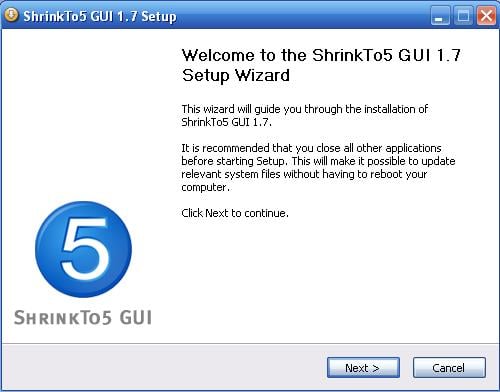
So I went about installing and launching ShrinkTo5. I was going to test it out on some recently purchased DVDs, Batman Begins and Unleashed, that I wanted to backup for safekeeping.
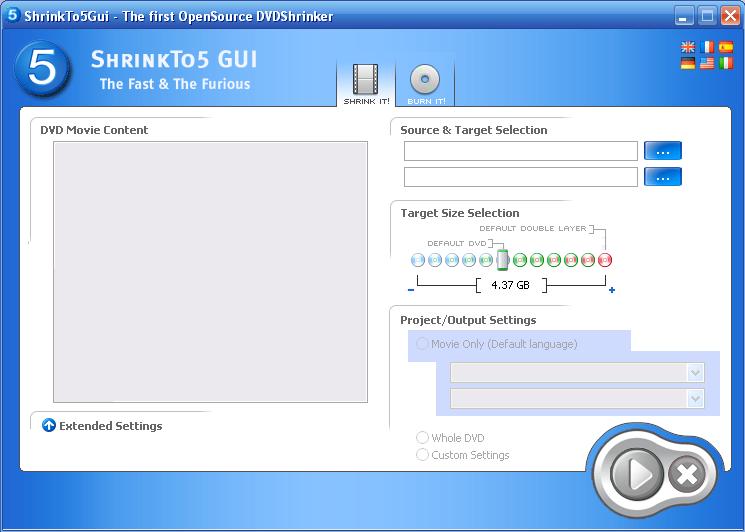
ShrinkTo5 has a clean, simple interface similar to DVD Shrink, but with fewer features.
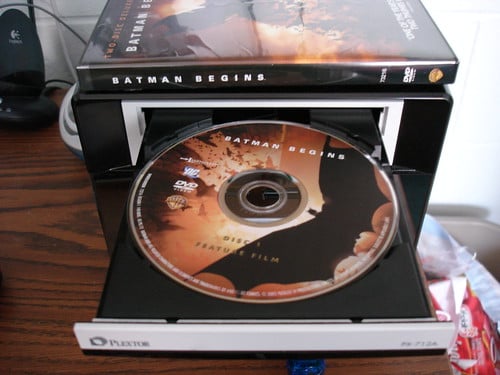
First up was the Batman Begins DVD. Oops, It won't read it! I'm assuming this error was from the DVD having not only VIDEO_TS data but some extra PC-only stuff on it. This could have confused it a bit. I was fairly disappointed but moved on the next DVD to see if it was just a fluke.
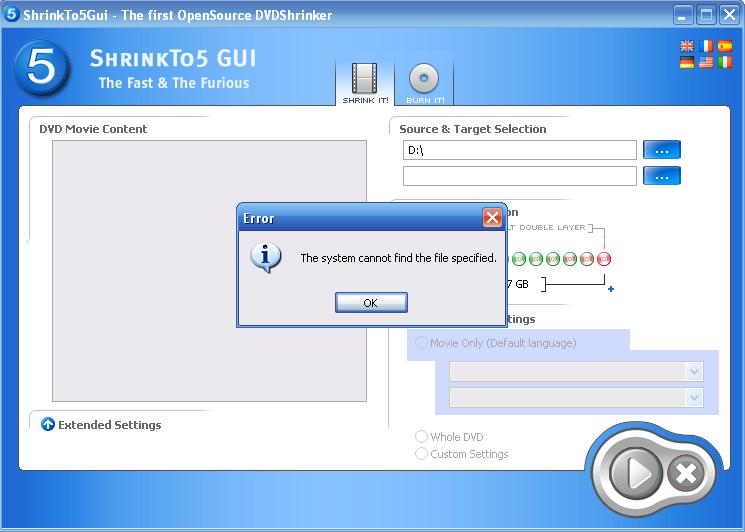
Then I inserted the Unleashed DVD, only to find that the DVD is copy protected and it won't shrink it for me. Hmm, that didn't stop DVD Shrink from shrinking a DVD. But then again, that's why it got shutdown.
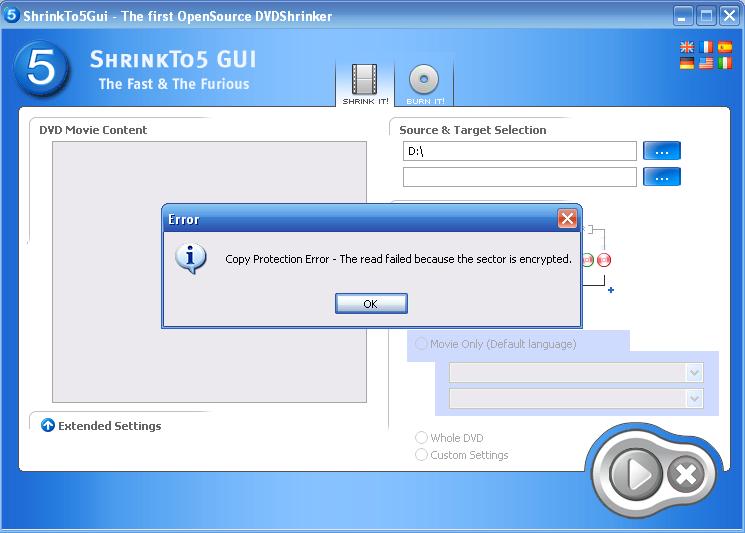
Now I was on a mission to find out if all of my DVDs came up with this copy protection error. Sure enough, the next 5 DVDs I attempted to shrink yielded the same error.
So Now What?
ShrinkTo5 clearly wanted to do what DVD Shrink did, but in a legal way. However, that doesn't seem to be possible. How many people have dual-layer DVDs that don't have copy protection? Very few. Only people that have homemade DVDs. ShrinkTo5's execution was horrible. I believe it was just a waste of time on the part of the developers. It set out to do one thing and one thing only, no extra crap to slow you down... and it can't even do that. You are better off finding a copy of DVD Shrink 3.2 somewhere online, as it has been taken off of the DVD Shrink site.
Update: I came across this website which allows you to download the machinist.dll, enabling ShrinkTo5 to decrypt CSS and rip DVDs. However, ShrinkTo5 will never be as robust as DVD Shrink in my opinion.